In the fast-paced world of manufacturing, efficiency and precision are paramount. Solidworks, a leading 3D CAD design software, plays an integral role in designing complex assemblies and parts that meet stringent industry standards. One critical aspect of utilizing Solidworks effectively is mastering the batch export process to streamline workflows and enhance productivity.
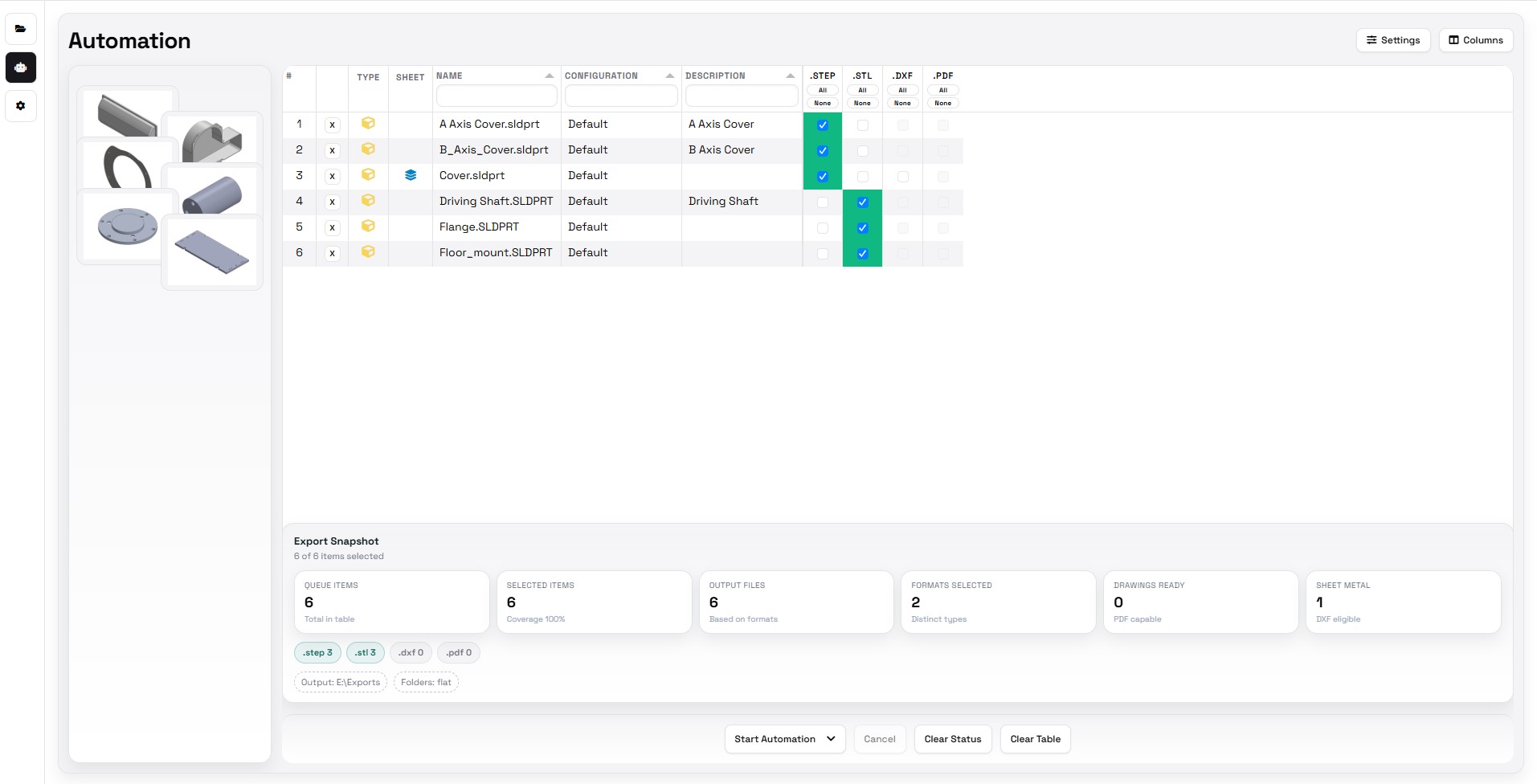
Batch exporting in Solidworks involves converting multiple files into different formats simultaneously, which is essential for various stages of manufacturing such as prototyping, production planning, and quality control. This process not only saves time but also ensures consistency across all exported documents.
The first step in establishing a professional workflow for Solidworks batch export is organizing your project files systematically. A well-structured file management system allows you to easily locate and select the files needed for export. Grouping related parts or assemblies into folders based on their function or project phase can significantly reduce the time spent searching for specific components.
Once your files are organized, it’s crucial to set up a standardized naming convention. Consistency in file names helps prevent errors during the export process and makes it easier to identify each part or assembly later on. Including relevant details such as version numbers or revision dates within file names can further enhance traceability throughout the product development lifecycle.
Next, configure your export settings according to the requirements of downstream processes or stakeholders involved in manufacturing. Different stages may require different file formats; for instance, CAM software might need DXF or DWG files while 3D printing could require STL formats. Understanding these requirements beforehand enables you to tailor your exports accordingly.
Solidworks provides built-in tools like Task Scheduler that facilitate automated batch processing tasks including exports. By leveraging Task Scheduler, users can queue up multiple jobs to run sequentially without manual intervention—ideal for running overnight jobs where large volumes of data need conversion without tying up workstations during business hours.